How do I open files from other apps?
Many iPhone apps support the Open In... menu. See some examples.
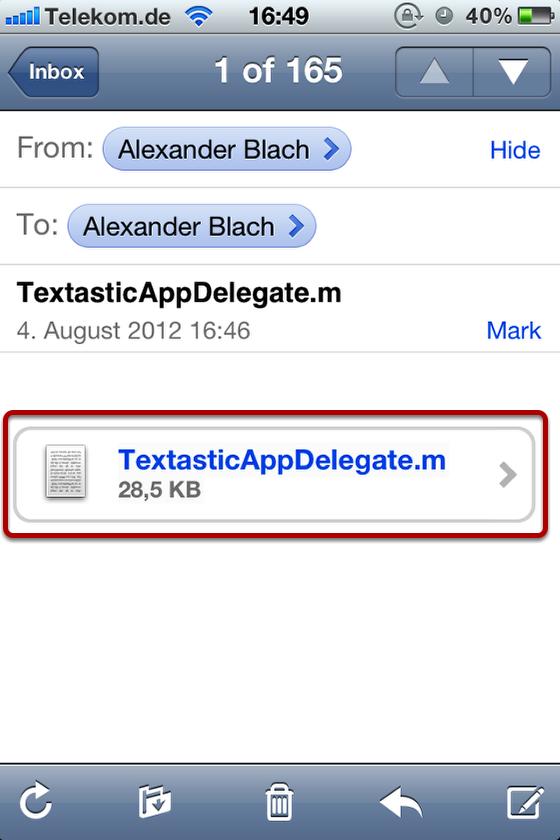
If you have an email with plain text attachments, simply tap and hold it.
Use the Open In "Textastic" command if available, or the Open In... menu to open this attachment in Textastic.
Good Reader
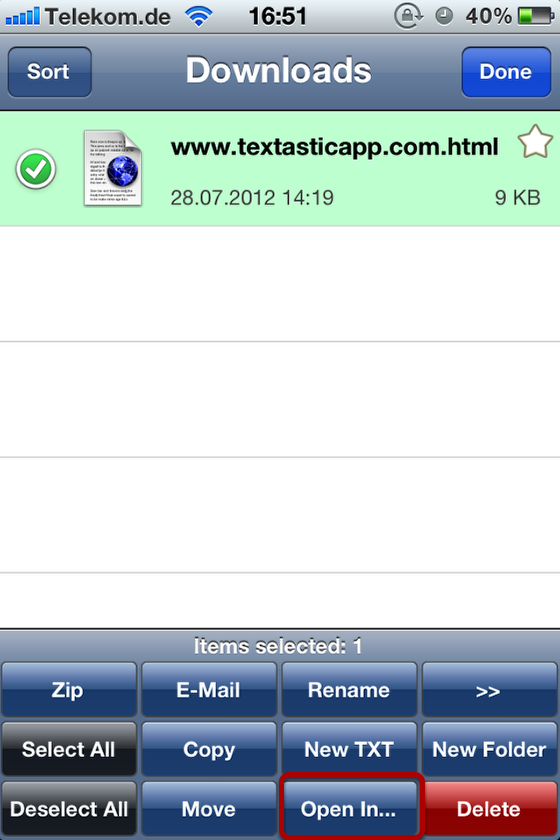
1) Tap on the Actions button
2) Select the file you want to open with Textastic.
3) Tap on the Open In... button
4) Choose Textastic